
Reviewing a Data Access Request
Viewing Data Access Requests
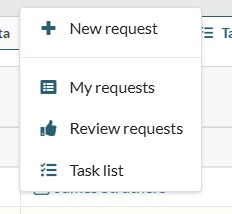
Data Owners can view Data Access Requests (DAR) for their datasets by selecting ‘Review requests’ from the Access dropdown on the menu ribbon.
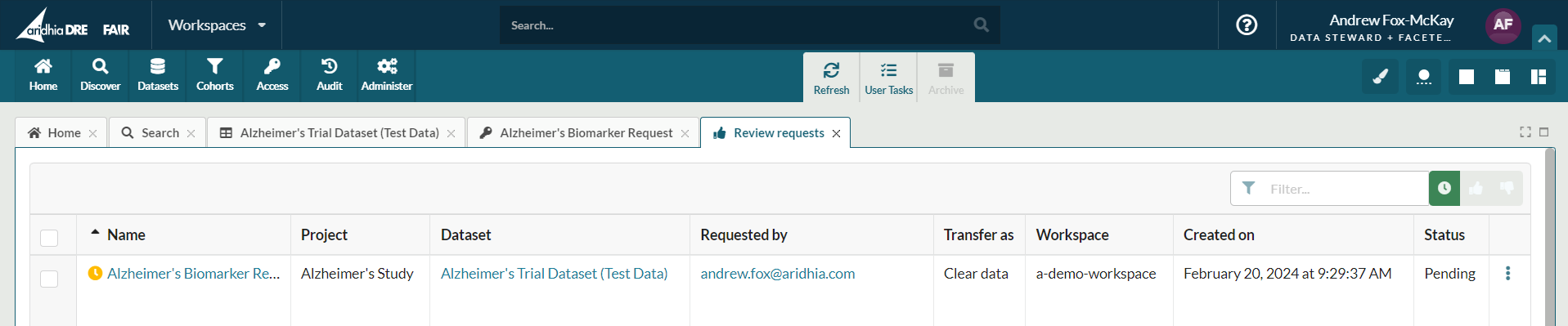
The table lists all requests made to access your datasets. By default, the list shows all pending requests to be reviewed, however previously approved or denied requests can be viewed by adjusting the filter on the top right.
Reviewing Basic Access Requests
Where a dataset uses the Basic Access Request approval flow it can approved directly from the Review Request tab.
To review the full request, click the request ‘Name’. This will display the request information provided by the requestor.
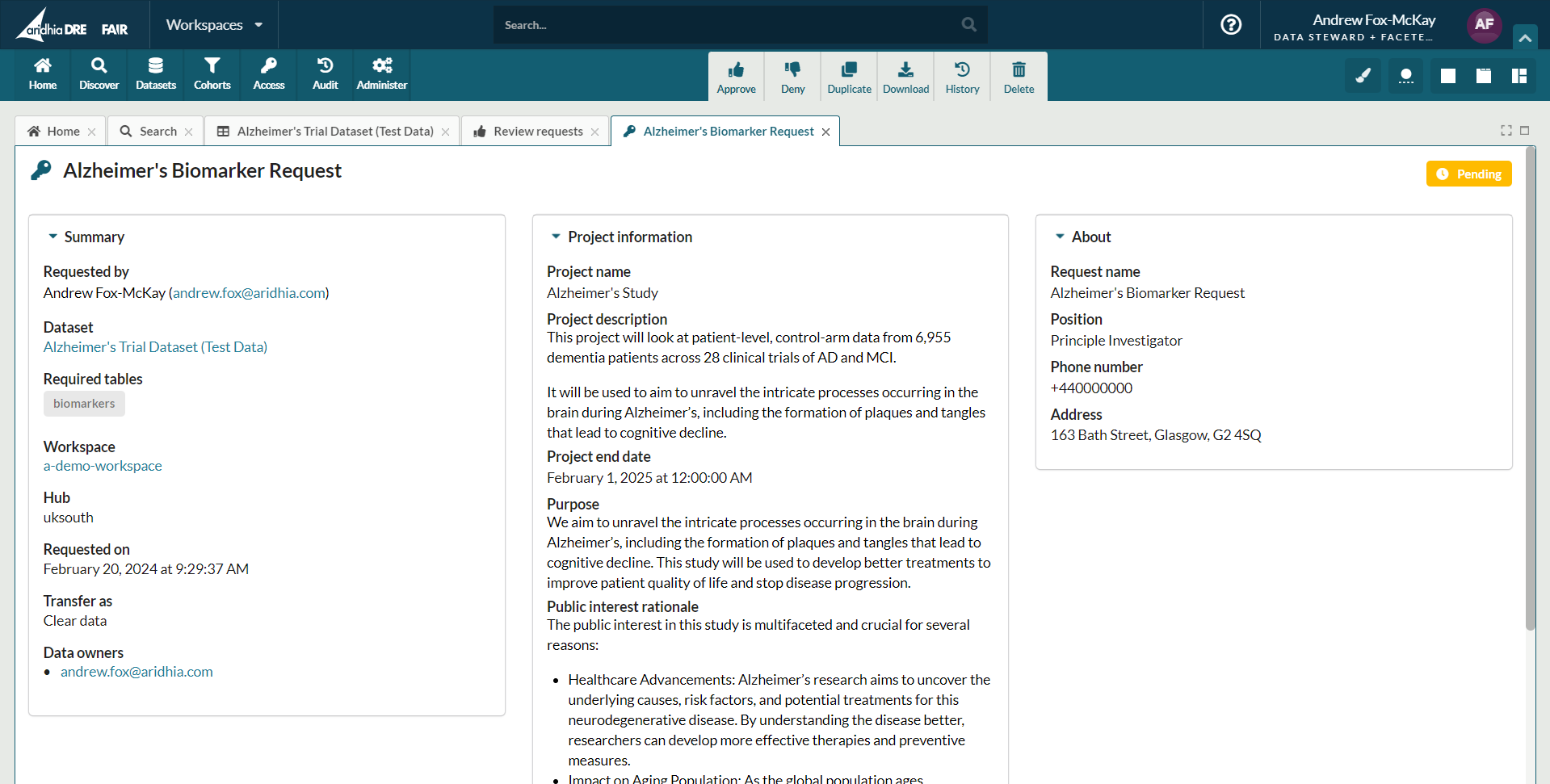
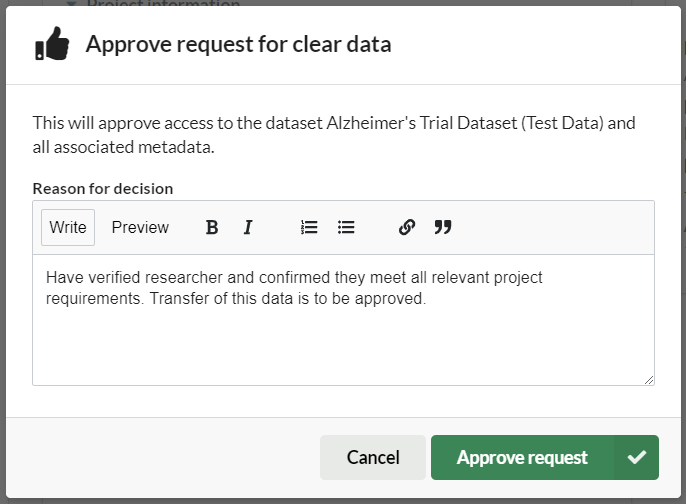
When an approve or deny decision has been made, the respective button can be selected in the menu bar. A dialog appears to confirm this decision and to include a mandatory reason for this decision.
Upon decision, the requesting user will receive a notification of the decision.
Complex approval workflows can have multiple steps, in some cases requiring different users to interact with the workflow at different points in the approval process. To manage this complexity these approval workflows are broken down into discrete tasks. Data Owners can view and manage these tasks in the Task List tab.