
Archiving a Data Access Request
Archiving Data Access Requests
Data Owners can archive historic Data Access Requests (DARs). They can do this by navigating to the Review Requests tab selecting the DARs they wish to archive using the checkboxes on the left of the table and then selecting Archive:

A dialog will appear asking users to to confirm the decision:
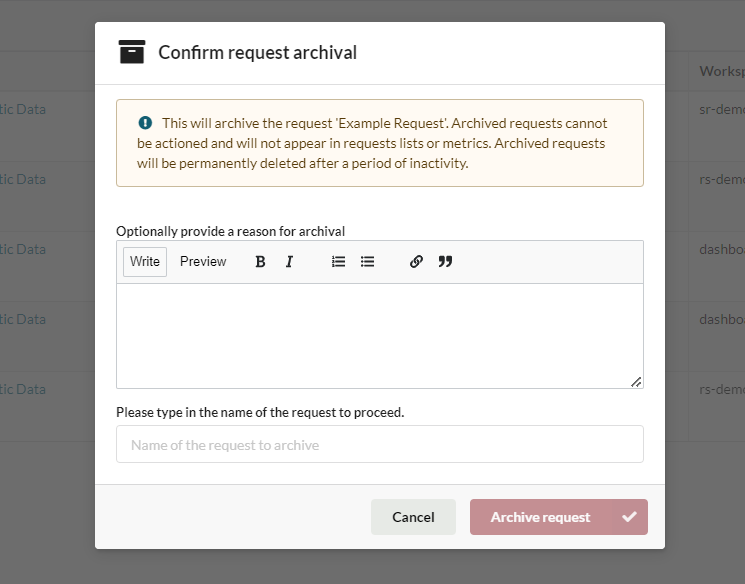
Once the DAR has been archived the requester will receive an email notification telling that their request has been removed.
By default archived DARs are deleted after 30 days, if the Data Owner wishes to recover an archived DAR before it is deleted they should contact the service desk.
Updated on July 29, 2026