
Timebound Workspaces
An administrator may add a time limit on access to your workspace. When a restriction is added to your workspace, it must be acknowledged and accepted before you can access.
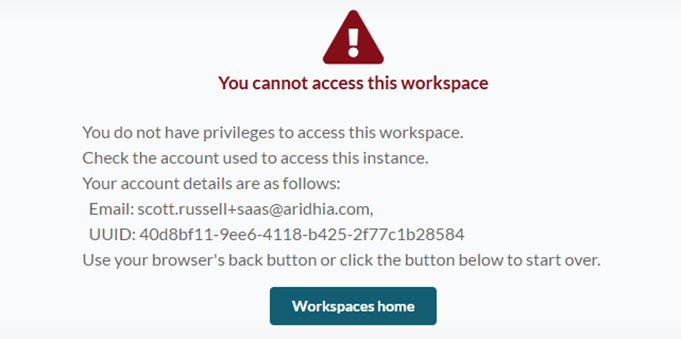
If you have a bookmark to your workspace and use that to access after a restriction has been added, you’ll be presented with the following:
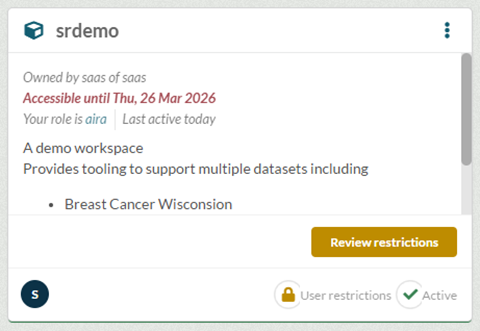
When a time restriction is placed on your workspace, the workspace card will indicate this clearly. The following shows a workspace that has access until 26th March 2026.
When reviewing restrictions you will see this in the list with details on the expiry:

Clicking accept will record and audit your acceptance of this restriction and allow you to proceed.
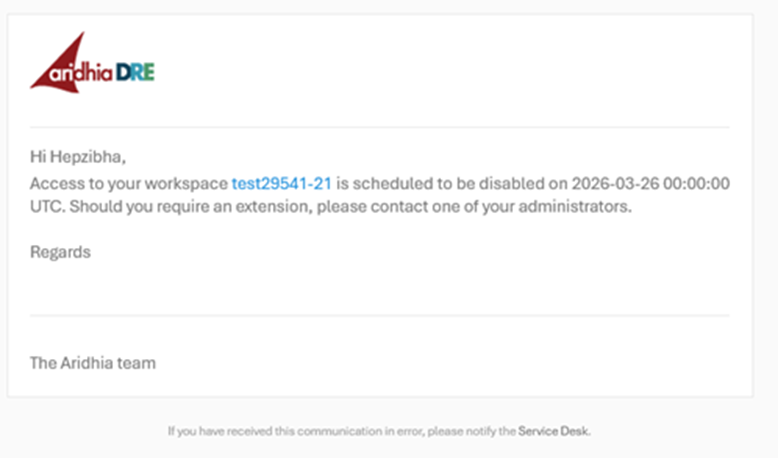
Seven days prior to expiration of access, you will receive an email similar to the following:
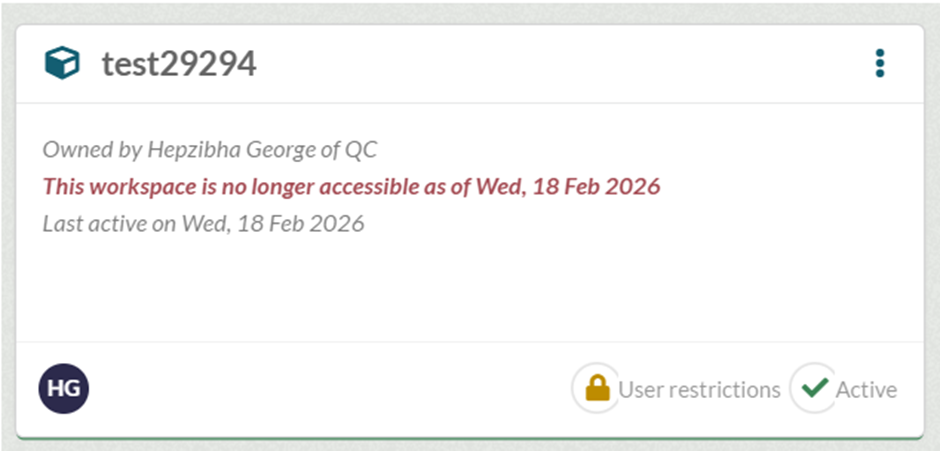
Once the workspace timebound restriction has expired, the card will reflect is as below:
Should you require a change or an extension, please contact your administrator.