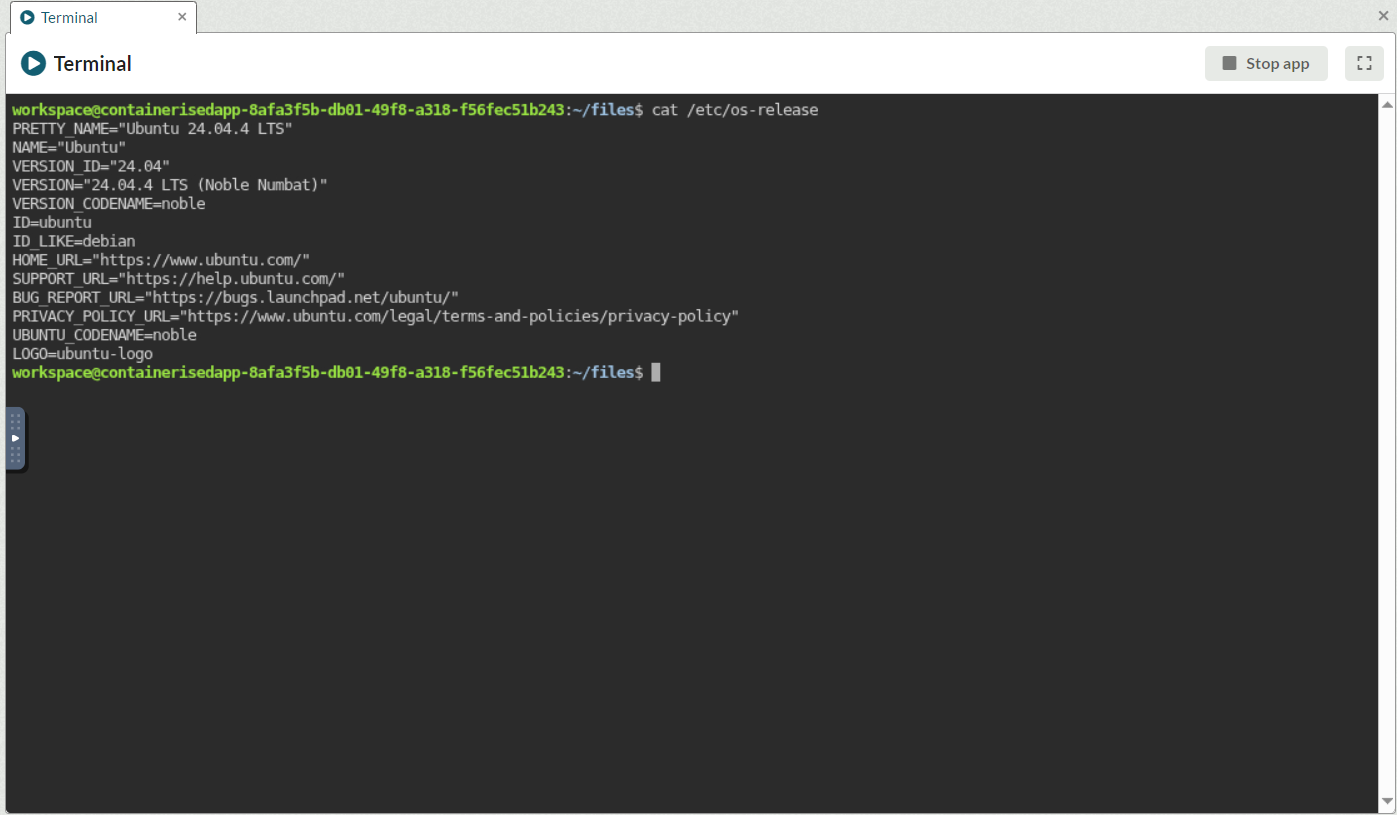
The Terminal App
The Terminal App can be accessed by clicking on the Tools menu and View Apps.
This application provides a fully integrated Linux terminal with direct access to your Workspace Files and Blob Storage. It enables file management using standard Linux commands and allows you to execute local scripts for powerful, browser-based automation.
Selecting text with the mouse will copy content to the clipboard which can be pasted into the Terminal with ctrl+shift+v or middle-mouse-click.
For pasting from external sources please follow the instructions here: Copy and paste into an app
Help with terminal tools can be displayed by supplying the tool with --help (or for unrar /?).
Installed Terminal Tools
|
Tool |
Version |
Description |
|
column |
2.39.3 |
Utility from util-linux used to format lists into columns. |
|
vi(m) |
9.1 |
A highly configurable text editor for efficient text editing. |
|
unzip |
6.0 |
Lists, tests, and extracts compressed files from a ZIP archive. |
|
unrar |
7.00 |
Utility specifically designed to extract files from RAR archives. |
|
bzip2 |
1.0.8 |
A high-quality data compressor for efficient file storage. |
|
dos2unix |
7.5.1 |
Converts text files from DOS/Windows format to Unix format. |
|
pigz |
2.8 |
A parallel implementation of gzip for faster multi-core compression. |
|
tmux |
3,4 |
Runs in the terminal and allows multiple other terminal programs to be run inside it. |
|
less |
590 |
Used to view the contents of a file one page at a time without opening it in an editor |